
Legal ExplainerBlogInformational

How to Preserve Digital Evidence After a California Crash

Digital evidence can explain how a crash happened, who was present, what conditions looked like, and how injuries affected daily life. The useful file is often not a screenshot or edited copy but the original photo, video, message, report, or record together with enough context to identify where it came from. This guide gives Californians a careful preservation workflow. It is general legal information from a lawyer-referral and educational service, not advice about a particular claim.

Published

July 13, 2026

Updated

July 13, 2026

Reviewed

July 13, 2026

Reading time

11 min read

Jurisdiction

California

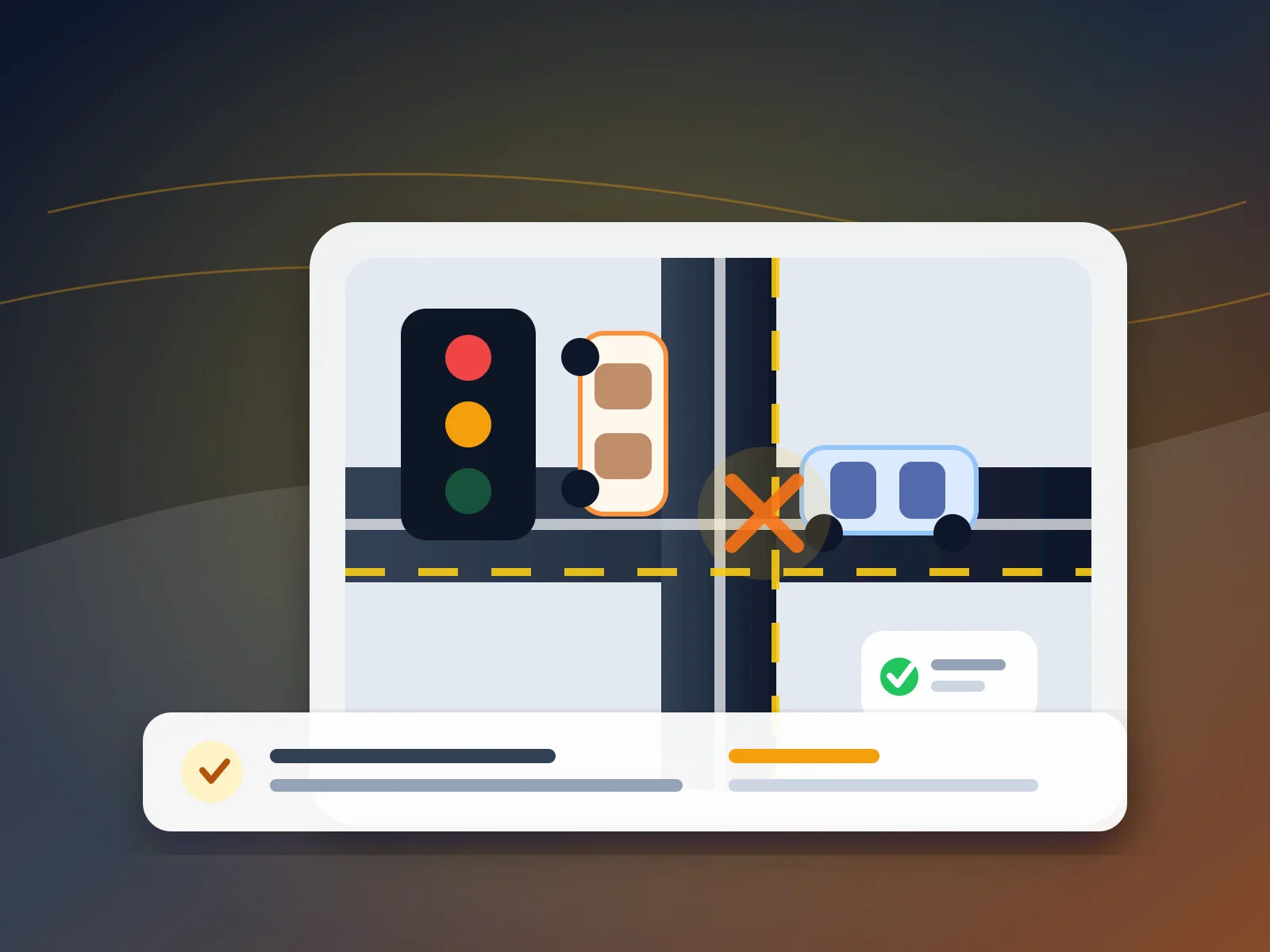
Digital evidence review showing a California intersection crash diagram, timeline markers, and preserved claim records
Editorial illustration of a digital crash-evidence review workflow; it does not depict a real collision or case.

Quick answer

After a California crash, preserve original photos, videos, dashcam files, messages, reports, and medical or wage records before devices overwrite data or accounts change. Keep untouched originals, make two backups, record who created each file and when, and avoid editing or posting evidence publicly. This guide explains a practical, source-backed workflow.

Key takeaways

  • Preserve the original file before making a working copy.
  • Record who created or received the file, when, where, and on which device or account.
  • Keep digital proof connected to the event, person, or expense it is meant to document.
  • Treat a screenshot as a useful lead, not automatically as a substitute for the underlying record.
Armen Akaragian

Written by

Armen Akaragian, Esq.

Partner & Personal Injury Trial Attorney

20+ Years Experience

Raffi Naljian

Reviewed by

Raffi Naljian, Esq.

California Personal Injury, Litigation & Criminal Defense Attorney

20+ Years Experience

Why trust this article

This guide follows Hurt Advice's documented editorial process and uses current California Courts, DMV, Department of Insurance, and California Evidence Code sources. Armen Akaragian, Esq. and Raffi Naljian, Esq. are the eligible author and reviewer assigned through the site's verified content-authorship system.

Recent update: Published July 12, 2026 after source, attribution, schema, media, and indexability review.

Article decision map

What this guide helps you decide

Readers need the same thing from a legal guide: a clear statement of the question, the proof signals, the jurisdiction, and the safest next page to open. This article is organized around blog research for California.

Search intent

Answer the informational question behind this topic

Use "How to Preserve Digital Evidence After a California Crash" to decide whether your facts belong in a blog research path, a claim-planning path, or a consultation path in California.

Issue map

Compare the guide sections: Why digital evidence needs its own preservation plan, What to save after a California crash, Use an original-copy-backup workflow

Move through the article by issue, not by guesswork, so liability, medical proof, insurance pressure, deadlines, and next steps stay connected.

Entity signals

Track the important signals: digital evidence, car accident evidence, evidence preservation, personal injury documentation

Match the topic and entity signals to records, photos, medical visits, police reports, insurer letters, and local claim context before relying on a general answer.

Trust check

Use the review and source trail before acting

This page includes 8 source references plus internal next-step paths so readers can verify where the guidance comes from.

Before you rely on this guide

This article is written for people dealing with injury-law questions in California. It is meant to help you understand the issue, not replace legal advice about your specific case.

What to do after this article

Start with the quick answer, skim the table of contents, and then use the links below to move into the practice area, author archive, or resource page that turns general guidance into a clearer next step for your situation.

Why digital evidence needs its own preservation plan

A personal injury claim usually turns on more than the fact that an accident occurred. The record may need to connect conduct, impact, injury, treatment, time away from work, expenses, and communications. The California Courts personal injury guide identifies photos, medical bills or reports, witness statements, and police reports as examples of proof. Many of those records now begin as digital files, even when they are later printed.

Digital files are easy to copy, but they are also easy to crop, recompress, overwrite, rename, lose during a phone upgrade, or separate from the account and device that explain their origin. Preservation therefore has two goals: keep what the file shows and keep enough context to explain what the file is. The California Evidence Code's authentication rule defines authentication as evidence sufficient to support a finding that a writing is what its proponent claims it is. Saving the original and recording its source does not guarantee admissibility, but it avoids preventable uncertainty.

For a broader inventory of physical and paper records, use the accident evidence checklist. This article focuses on the narrower digital-preservation layer: original files, metadata, backups, context, and sources that may not remain available indefinitely.

  • Preserve the original file before making a working copy.
  • Record who created or received the file, when, where, and on which device or account.
  • Keep digital proof connected to the event, person, or expense it is meant to document.
  • Treat a screenshot as a useful lead, not automatically as a substitute for the underlying record.

What to save after a California crash

Start with material created close to the event. Scene photos and video may show vehicle positions, impact points, road debris, lane markings, traffic controls, weather, lighting, sight lines, nearby businesses, and visible injuries. Capture wide views that establish location as well as close views that show detail. Do not create unsafe conditions or delay emergency care to collect evidence.

Then identify digital sources that may sit outside the camera roll: dashcam cards, vehicle-app trip history, rideshare receipts, parking or toll records, navigation history, repair estimates, towing records, insurer portals, emails, text messages, call logs, and photographs taken by passengers or witnesses. A business, transit agency, property owner, or homeowner may have surveillance footage, but retention practices vary. Note the camera location and owner promptly rather than assuming the footage will remain available.

Injury and loss records matter too. Patient-portal messages, appointment confirmations, discharge instructions, prescriptions, invoices, work schedules, employer messages, pay records, and mileage or transportation receipts can help reconstruct treatment and economic impact. The California Courts pre-lawsuit guide specifically points to medical bills, doctors' reports, work notes, pay records, photos, videos, emails, receipts, witnesses, and business records as common forms of proof.

  • Scene: original photos, video, dashcam media, witness contact details, and camera locations.
  • Vehicles and travel: app history, trip receipts, towing, storage, repair, and rental records.
  • Health: visit summaries, provider messages, referrals, bills, prescriptions, and work restrictions.
  • Income and expenses: schedules, wage records, employer communications, receipts, and mileage logs.
  • Communications: insurer letters, claim-portal downloads, emails, texts, and a dated call log.

Use an original-copy-backup workflow

A simple three-part workflow makes a collection easier to explain. First, preserve the original on the source device or storage card when practical. Second, create a read-only preservation copy in a clearly labeled folder. Third, create a separate backup in another secure location. Work from a duplicate, not the preserved original, when you need to annotate a photo, redact private information for a limited purpose, or send selected files.

Use descriptive names on copies while leaving original filenames unchanged. A working copy might be named 2026-07-12-intersection-facing-west-copy.jpg, while the preserved file remains IMG_4821.JPG. Keep a short evidence log that connects both names. The log should state the date and approximate time collected, source device or account, creator or sender, location, a neutral description, original filename, backup locations, and any later transfer.

Do not rely on a single cloud photo library as both original and backup. Sync settings can copy deletions or edited versions across devices. A separate encrypted drive or second secure account can reduce that risk. Protect health records, addresses, license information, and insurance documents with strong account security, and share only what is reasonably needed.

  • Original: leave the source file unchanged whenever practical.
  • Preservation copy: copy the file without cropping, filters, markup, or recompression.
  • Separate backup: store another copy outside the same phone, card, or synced library.
  • Working copy: annotate or redact only a duplicate and label it as modified.
  • Evidence log: connect each file to its source, date, subject, and backup location.

A practical evidence-log example

Suppose a passenger records a 22-second video immediately after an intersection collision. The original remains on the passenger's phone as VID_1048.MOV. A preservation copy is placed in a folder named Crash-2026-07-12/01-Originals, and a second copy is stored on an encrypted drive. The evidence log identifies the passenger, source phone, approximate recording time, intersection, original filename, and both backup locations. A separate working copy may be clipped for convenient review, but it is not mislabeled as the original.

For messages, save the surrounding conversation when it supplies necessary context rather than capturing only one isolated line. Record the contact name as displayed, the number or account identifier when visible, the date range, the device used, and how the export or screenshot was created. If the platform offers an export function, keep the export together with any screenshots used for quick review.

For online claim portals, download letters, estimates, coverage notices, and submitted forms as files when the portal permits it. Save the submission confirmation and note the date. The California Department of Insurance accident guide advises keeping copies of documents and explains that insurers investigate using information such as statements and documentation of injuries, medical expenses, and lost wages.

  • Item ID: DE-001
  • Neutral description: passenger video showing post-impact vehicle positions and signal cycle
  • Source: passenger's phone; original filename VID_1048.MOV
  • Collected: date, approximate time, and intersection
  • Copies: preservation folder plus separate encrypted backup
  • Changes: none to original; one labeled working clip created for review

Preserve context, not just pixels

A photo can be clear yet ambiguous if no one can explain when, where, or by whom it was taken. Keep the original filename and available metadata, but also write down ordinary facts while memories are fresh: which direction the camera faced, what object or condition the image shows, whether the clock on the device was accurate, and whether the file was received from someone else. Do not add facts you do not know.

The same principle applies to video. Preserve several seconds before and after the key moment when available, along with the original audio. Avoid stabilizing, enhancing, slowing, or overlaying text on the preservation copy. Those techniques may be useful on a separately labeled demonstrative copy, but they should not silently replace the original record.

California's Secondary Evidence Rule permits otherwise admissible secondary evidence in many circumstances but also identifies reasons it may be excluded, including a genuine dispute about material terms or unfairness. The practical lesson is not that every original is legally required. It is that keeping originals and documenting copies gives a later reviewer more options and fewer avoidable disputes.

  • Keep original creation dates and filenames when the device preserves them.
  • Write a neutral note explaining the source and subject of each important file.
  • Keep full-length source video even if a shorter working clip is easier to review.
  • Label edits, annotations, redactions, and exports so they are not mistaken for originals.

Ask where third-party evidence may exist

Some useful records are controlled by someone else: nearby businesses, apartment buildings, city systems, transit providers, towing companies, repair shops, rideshare platforms, delivery services, or another driver. Make a source map with the location, organization, likely record, contact route, and date identified. Do not trespass, impersonate someone, demand private records, or assume the organization must give them directly to you.

If a lawsuit is filed, California civil discovery provides formal ways to seek information. The California Courts discovery guide explains that discovery is used to gather evidence needed to prove or defend a case and that records from nonparties may require a subpoena. Its written-discovery guide describes interrogatories, requests for admission, and requests for production, including requests for documents, photographs, or inspection of physical evidence.

Before litigation, an attorney may evaluate whether a focused preservation request is appropriate. The wording, recipient, timing, and legal effect depend on the facts. A generic demand copied from the internet can be overbroad or sent to the wrong custodian. If video, app data, vehicle data, or business records may disappear, identify the source promptly and seek case-specific advice rather than making unsupported legal threats.

  • Map possible cameras and data owners without assuming access.
  • Record business names, addresses, camera direction, and a reliable contact route.
  • Do not misrepresent your identity or authority when asking about retention.
  • Use qualified legal help for subpoenas, formal discovery, or preservation demands.

Complete required crash reporting separately

Preserving files does not replace required reporting. The current California DMV SR-1 instructions state that a driver, insurance agent, broker, or legal representative must submit an SR-1 within 10 days when anyone is injured or killed or property damage exceeds $1,000. DMV also states that the SR-1 is required in addition to reports made to police, the California Highway Patrol, or an insurance company.

The SR-1 is a reporting form, not a complete evidence archive and not a decision about fault. Before starting it, DMV lists information such as a driver's license or identification, vehicle plate or VIN, insurance information, and the other party's vehicle and insurance information when applicable. Save a copy of what was submitted and the confirmation or mailing record in the claim folder.

Other reporting and policy duties can depend on the event and coverage. Review the policy and official instructions rather than relying on memory. If the collision involved a government vehicle, dangerous public property, a commercial carrier, a hit-and-run, serious injury, or uncertain coverage, use the California deadline guide as a starting point and obtain advice promptly because different notice and filing rules may apply.

  • Do not confuse an SR-1 with a police, CHP, or insurance report.
  • Save the completed form and proof of submission with the claim records.
  • Use the current DMV threshold and instructions, not an older third-party summary.
  • Ask for advice promptly when a public entity, commercial vehicle, or hit-and-run may be involved.

Mistakes that can weaken a digital record

The first mistake is editing before preserving. Cropping a scene photo, adding a filter, drawing an arrow, compressing a video for text message delivery, or exporting only a short clip may remove context. Preserve first; create labeled working copies second. The second mistake is keeping only screenshots when the underlying message, portal document, receipt, or media export is available.

The third mistake is public oversharing. A public post can disclose health details, location history, witnesses, legal strategy, or statements that lack context. Do not post evidence to attract opinions or pressure another party. At the same time, do not delete or alter existing material because you are worried about how it looks. Preserve it and obtain advice about privacy, production duties, and appropriate account settings.

The fourth mistake is treating a folder as self-explanatory. Hundreds of unlabeled files can be harder to use than a smaller organized set. Keep a chronological index, separate originals from working copies, and connect medical or wage records to the date and loss they document. For the claim-value context those records may support, review the settlement calculator methodology without treating any online estimate as a prediction.

  • Do not crop, filter, annotate, or recompress the only copy.
  • Do not delete unfavorable files or messages after a dispute begins.
  • Do not publish private evidence or case details on social media.
  • Do not rely on one phone, one cloud account, or one storage card.
  • Do not assume a screenshot preserves all metadata or conversation context.

A 30-minute preservation checklist

When health and immediate safety are stable, a short organized session can protect the record. Create a case folder named with the event date and a neutral description. Add subfolders for originals, working copies, reports, medical records, income and expenses, communications, and a source map. Copy current photos, video, and downloads into the originals folder, then make a separate backup.

Create an evidence log with one row per important item. Add witness names and contact details, nearby camera locations, report numbers, claim numbers, provider names, and missing records that need follow-up. Export claim-portal documents and relevant messages when available. Save the file without sharing it publicly.

Finally, list the three most time-sensitive sources: for example, a dashcam card that loops, a nearby business camera, and an insurer portal notice. If the crash caused injury or sufficient property damage, verify the current SR-1 requirement. If there is serious injury, disputed fault, disappearing third-party data, or a complex defendant, consider an intake review through Hurt Advice, which is a lawyer-referral and legal information service rather than a law firm.

  • Create labeled folders for originals, working copies, and major record types.
  • Copy originals and make a separate backup.
  • Start an evidence log and source map.
  • Export portal documents and preserve surrounding message context.
  • Identify records that may be overwritten or controlled by someone else.
  • Check current reporting instructions and get case-specific help when needed.

How this guide fits the rest of your claim research

Digital preservation is one part of a larger claim file. Use the California personal injury hub to understand how evidence, damages, deadlines, and attorney-fit questions connect. If the event was a vehicle collision, the car accident guide provides a broader path through scene response, insurance, injuries, and claim review.

For insurance communications, compare the car accident insurance claims guide. For the site's sourcing and correction approach, read the editorial standards and legal review process. Those pages explain how Hurt Advice separates general education, participating-attorney information, and referral intake.

No checklist can determine whether a file is admissible, whether another party must preserve or produce it, or what evidence will control a particular dispute. Those are fact-specific questions. The goal here is narrower: preserve reliable source material, avoid changing the only copy, document where it came from, and make it easier for a qualified reviewer to understand the timeline.

  • Use the evidence checklist for the full physical-and-digital inventory.
  • Use the deadline guide for issue spotting, not a personalized filing calculation.
  • Use official agency and court sources for current rules and procedures.
  • Use participating-attorney review for subpoenas, preservation demands, and disputed evidence questions.

Frequently Asked Questions

What counts as digital evidence after a California crash?
Examples include original photos and video, dashcam files, messages, emails, claim-portal documents, trip or navigation records, digital receipts, patient-portal records, wage documents, call logs, and records held by businesses or platforms. Whether a particular item is relevant or admissible depends on the facts and court rules.
Should I edit photos before sending them to an insurer or lawyer?
Preserve the untouched original first. If a crop, annotation, redaction, or smaller file is useful, create a separate working copy and label it as modified. Do not silently replace the original with an edited version.
Are screenshots enough to preserve messages?
Screenshots can be useful, especially when they show the sender, date, and surrounding context, but keep the underlying conversation or platform export when available. Record which device or account produced the screenshot and avoid capturing only an isolated line that changes the meaning.
How quickly should I save dashcam or surveillance video?
Promptly. Dashcams may loop over older files, and third-party camera retention varies. Preserve your own original media and identify outside camera owners quickly. A lawyer can evaluate whether a focused preservation request is appropriate for records controlled by someone else.
Do I still need an SR-1 if I saved photos and made a police report?
Possibly. California DMV currently requires an SR-1 within 10 days when someone is injured or killed or property damage exceeds $1,000, and DMV states that this report is separate from police, CHP, and insurance reports. Check the current DMV instructions for your situation.
Does preserving an original file guarantee that a court will accept it?
No. Relevance, authentication, hearsay, privacy, and other evidence rules may apply. Preserving the original and documenting its source can reduce avoidable disputes, but a judge decides admissibility and a lawyer can assess the issue in context.
Should I delete social media posts after an accident?
Do not delete or alter existing material because a dispute has started or because you are worried about how it may be interpreted. Preserve it and obtain legal advice about privacy settings, production duties, and future posting. Avoid publicly sharing private claim details or evidence.

Sources and references

California CourtsPersonal injury cases

Official overview of personal injury claims, damages, and examples of evidence such as photographs, medical records, witnesses, and police reports.

California CourtsBefore you sue someone

Official examples of proof, including medical records, work notes, pay records, receipts, photographs, video, emails, witnesses, and business records.

California CourtsDiscovery in civil cases

Official explanation of civil discovery and obtaining evidence from parties and nonparties.

California Department of InsuranceSo You've Had an Accident, What's Next?

Official consumer guide to accident documentation, insurance communications, claim investigation, and keeping copies of records.

Need help after an accident?

Hurt Advice intake team can review your situation, explain your options, and help you move forward with a plan that fits your case.